Laying the Technical Foundation for WordPress SEO

Before you write a single word of content or build out elaborate keyword targeting strategies, you must establish a bulletproof technical baseline for your website. Without a structurally sound foundation, even the most exceptional content will struggle to achieve and maintain top rankings in search engine result pages. According to industry analyses compiled by Sitemile in their comprehensive optimization frameworks, laying this foundational groundwork correctly prevents countless indexing errors, performance bottlenecks, and ranking penalties down the road.
Choosing High-Performance Managed Hosting
The very first step in structuring your technical baseline is selecting the right hosting environment. Shared hosting plans that cost mere pennies per month often result in sluggish Time to First Byte (TTFB) metrics, frequent server downtime, and insecure server configurations. Instead, transitioning to a specialized managed WordPress hosting provider ensures that your server stack is explicitly optimized for the WordPress database architecture, utilizing modern caching layers, PHP optimization, and Content Delivery Networks (CDNs). If you are currently evaluating your options for infrastructure upgrades, it is worth reviewing a detailed analysis on how to select the Best WordPress Hosting for Business 2026 to ensure your server can handle traffic spikes and pass modern speed evaluations effortlessly.
Enforcing SSL/HTTPS and Core Performance Standards
Security and speed are no longer optional enhancements; they are strict baseline requirements enforced by modern search algorithms. You must enforce an active SSL/HTTPS certificate across every single page of your WordPress installation to encrypt data transit and protect user privacy. Furthermore, modern technical frameworks place immense weight on Core Web Vitals, which measure loading performance, visual stability, and interactivity. Sites that fail to meet these performance thresholds frequently experience higher bounce rates and diminished crawling efficiency. When you are learning how to Build a Professional WordPress Website in 10 Steps (2026), integrating these foundational performance protocols from the very beginning saves hours of retrofitting and code cleanup later.
Selecting a Lightweight Theme and Avoiding Plugin Sprawl
Bloated themes packed with unnecessary javascript libraries, heavy animations, and countless built-in page builder features will actively sabotage your search engine visibility. Opt for a clean, minimalist, lightweight theme that renders rapidly across both desktop and mobile devices.
Equally important is managing your plugin ecosystem carefully. A major shift in recent technical web development standards highlights plugin sprawl as a severe security and performance risk. Rather than installing multiple overlapping tools for XML sitemaps, schema markup, and meta title manipulation, you should consolidate your efforts by using a single, well-configured SEO plugin—such as Rank Math, Yoast SEO, or SEOPress. Consolidating your optimization tools prevents plugin conflicts, reduces HTTP requests, and keeps your administrative dashboard clean and manageable.
Configuring Clean Permalinks
One of the most common configuration errors made by beginners is leaving the default WordPress permalink structure intact, which results in URLs structured like `yoursite.com/?p=123`. These parameters offer zero semantic value to search engine crawlers and users alike.
To fix this, you must navigate to your WordPress dashboard settings and update your permalink structure to the “Post name” format. This transforms your URLs into clean, readable strings formatted as `yoursite.com/sample-post/`. Clean permalinks make it significantly easier for users to understand what a page is about before clicking, while also allowing search engine crawlers to extract topical context directly from the URL slug itself. Combined with a trusted SEO plugin and an optimized hosting environment, this clean permalink structure completes the essential technical triad required to set your WordPress site up for long-term organic success.
Indexing Setup, Crawlability, and Site Architecture
Before your WordPress website can attract organic traffic, you must ensure that search engine bots can discover, crawl, and index your content without hitting unnecessary roadblocks. Proper technical foundations dictate how efficiently Googlebot and other web crawlers navigate your directory structure. According to best practices outlined in Sitemile’s 2026 technical guidelines, the foundational phase begins the moment you install WordPress by verifying that your site is actually open to public discovery.
Many developers and site owners accidentally lock search engines out during development. In your WordPress dashboard, navigate to Settings, click on Reading, and make sure that the box labeled “Discourage search engines from indexing this site” remains unchecked once your domain goes live. Leaving this box checked injects a `noindex` meta tag across your entire installation, instructing web scrapers and search spiders to ignore your pages entirely. According to Sitemile’s 2026 framework, verifying this single setting immediately after launch prevents catastrophic indexing delays that can plague newly published websites for weeks.
Once public access is enabled, your next priority is establishing verified ownership within tracking and webmaster ecosystems. You should connect your domain to Google Search Console and Google Analytics to monitor crawling errors, performance metrics, and user behavior. Google Search Console acts as your direct diagnostic pipeline to Google’s indexing systems, alerting you to server errors, mobile usability issues, and security flags. Through Search Console, you must generate and submit an XML sitemap. While modern WordPress SEO plugins like Yoast, Rank Math, or All in One SEO automatically generate clean XML sitemaps containing your posts, pages, and custom post types, you must manually submit the sitemap URL (`yourdomain.com/sitemap_index.xml`) to Google Search Console to accelerate the discovery of fresh content.
Concurrently, you must review and manage your `robots.txt` file to dictate crawler permissions. Your `robots.txt` file sits in the root directory of your server and tells automated bots which directories they are allowed to access and which they must ignore. By default, WordPress generates a virtual `robots.txt` that allows indexing of standard content while blocking sensitive administrative paths like `/wp-admin/` and `/wp-login.php`. However, as your site grows, you should customize this file to block unnecessary parameter-based URLs, staging subfolders, or private member directories, conserving your site’s “crawl budget”—the finite amount of time and resources Google allocates to crawling your specific domain.
Beyond technical file management, organizing your site architecture dictates how link equity flows through your pages. Sitemile’s 2026 recommendations emphasize structuring your WordPress site around a robust pillar-cluster model. A pillar page acts as a comprehensive, high-level resource covering a broad topic, while cluster pages are individual blog posts or sub-pages that dive deep into specific subtopics. By hyperlinking your cluster pages back to the central pillar page—and vice versa—you create an intuitive hierarchical network that search engine spiders can easily traverse. This clear internal link flow distributes “PageRank” evenly, signaling to search engines which pages hold the highest priority within your domain architecture.
Finally, you must exercise strict control over archive indexing to prevent thin content penalties and index bloat. WordPress automatically generates numerous archive pages for categories, tags, author profiles, and date-based logs. While category archives are often valuable for user navigation and search intent, tag archives, author pages on single-author blogs, and chronological date archives frequently generate duplicate content or low-value pages filled with simple article snippets. According to Sitemile’s 2026 technical strategies, webmasters should audit these archive types and apply `noindex, follow` tags to secondary archives like date and tag pages if they do not serve a distinct, high-value purpose in organic search results. By utilizing your SEO plugin’s title and meta settings to restrict low-value archive indexing, you ensure that search engine crawlers focus exclusively on your high-value pillar content, product pages, and core blog posts, maximizing your overall organic visibility and ranking potential.
Mastering On-Page SEO Optimization and Keyword Placement

When it comes to elevating your WordPress website’s search engine visibility, page-level optimization remains the bedrock of any successful digital strategy. Executing this correctly requires moving past generic keyword stuffing and adopting a meticulous, surgical approach to how search engine crawlers interpret your content. According to Sitemile’s 2026 page-level checklist, modern WordPress optimization revolves around a strict one-target-keyword-per-page rule, ensuring that your content signals absolute topical authority without confusing search algorithms with competing terms. To align your overall content production with these granular technical steps, you should also review the foundational advice detailed in SEO Content Strategy: Aligning with Search Intent in 2026, which bridges the gap between keyword selection and user psychology.
To operationalize this strategy effectively inside the WordPress dashboard, every single published page or post must feature a uniquely crafted title tag and meta description pair. Search engine optimization best practices dictate that your title tag should remain strictly under 60 characters to prevent unwanted truncation on mobile and desktop search engine result pages, as recommended by Mettevo in their 2026 platform guidelines. Simultaneously, your meta description should target a length between 120 and 155 characters. While meta descriptions are not a direct algorithmic ranking factor, they serve as your primary copywriting hook on search engine results pages. Crafting a compelling summary here directly influences your click-through rate, turning passive searchers into active site visitors.
Within the body of your WordPress post editor, structural hierarchy demands strict discipline regarding heading tags. Your page must feature one, and only one, H1 tag, which should naturally incorporate your primary target keyword. In standard WordPress themes, your post or page title automatically acts as this H1 tag, but you must verify that your SEO plugin—such as Rank Math or Yoast—correctly maps this element without generating duplicate H1 tags through custom builder modules. Following the H1, your URL slug should also be kept clean, short, and optimized by including the exact target keyword, a practice emphasized in Sitemile’s 2026 optimization framework.
Keyword placement within the body copy requires finesse to satisfy both human readers and search engine crawlers. Mettevo’s 2026 technical guidelines advise placing your primary target keyword naturally within the first 100 words of your copy, preferably inside the opening paragraph. This immediate contextual signal reassures both users and crawlers that they have landed on the exact page matching their search intent. However, avoid forcing awkward phrases into your opening sentences; the integration must read organically. As your text progresses, maintain a conversational and authoritative tone, weaving semantic variations and related sub-topics around your core keyword without descending into mechanical repetition.
Beyond textual elements, modern WordPress on-page optimization requires attention to transparency and trust signals that search engines increasingly value for quality assessment. Sitemile’s 2026 optimization checklist explicitly highlights the incorporation of author bylines and visible published or updated dates directly on WordPress pages. For content-heavy sites, demonstrating clear editorial accountability helps satisfy quality guidelines. Below is a quick reference table outlining these critical structural parameters for your WordPress workflow:
| On-Page Element | Recommended Parameter / Specification | Source & Year |
|---|---|---|
| Target Keyword Focus | Exactly one primary target keyword per page | Sitemile (2026) |
| Title Tag Length | Under 60 characters | Mettevo (2026) |
| Meta Description Length | 120 to 155 characters | Mettevo (2026) |
| H1 Tag Usage | Exactly one H1 tag containing the primary keyword | Mettevo (2026) |
| First Paragraph Integration | Natural keyword placement within the first 100 words | Mettevo (2026) |
| URL Slug Structure | Clean, concise slug incorporating the target keyword | Sitemile (2026) |
| Trust Signals | Visible author bylines and publication/update dates | Sitemile (2026) |
By systematically auditing your WordPress pages against these precise parameters, you eliminate the guesswork from on-page optimization. Ensuring that every asset—from the URL slug and title tag to the H1 and opening paragraph—uniquely targets a single well-researched keyword creates a cohesive, highly scannable environment for search engine crawlers. Combine these structural rules with transparent author metadata and meticulous content formatting, and your WordPress pages will be thoroughly equipped to secure and maintain top-tier rankings in competitive search landscapes.
Advanced Content Architecture, Internal Linking, and Schema
As websites scale and accumulate vast digital libraries, ensuring both human users and search engine crawlers can navigate, interpret, and contextualize your material becomes paramount. Basic keyword insertion and meta descriptions are no longer sufficient to secure top rankings in fiercely competitive search engine results pages. Instead, webmasters must implement sophisticated structural frameworks that elevate the overall user experience while explicitly signaling topical authority to search engine bots. According to guidelines outlined in a 2026 industry analysis by Sitemile, mastering advanced content architecture relies on maintaining a rigorous, logical heading hierarchy where headings are never skipped out of sequence. When you organize your WordPress posts and pages using a disciplined tree of heading tags, you create a clear semantic roadmap that helps algorithms parse the core themes and subtopics of your content with pinpoint accuracy.
Building upon a solid foundational layout, your internal linking strategy acts as the circulatory system of your WordPress website, distributing “link equity” and guiding visitors smoothly through your conversion funnels. To maximize the effectiveness of this architecture, site managers should integrate carefully contextualized internal links into every piece of content. Specifically, data and recommendations from Mettevo emphasize that a healthy WordPress SEO posture incorporates at least two to three strategically placed internal links per page, though comprehensive pillar pieces often warrant significantly more. When executing this tactic, always anchor your links to descriptive anchor text that naturally fits the surrounding prose, rather than generic phrases like “click here.” For those just starting their optimization journey, you can review foundational principles in our comprehensive SEO for Beginners: Step-by-Step Optimization Guide to align your foundational setup with advanced site architectures. Furthermore, linking out to credible, authoritative external sources reinforces your page’s trustworthiness, signaling to search algorithms that your content is thoroughly researched, well-rounded, and safely positioned within a broader web of industry knowledge.
To help search engines immediately understand the distinct nature of your published assets, you must move beyond standard HTML and implement structured data markup. Applying validated schema markup matched directly to your content type allows search engines to render rich snippets—such as review stars, recipe cooking times, FAQ drop-downs, or organization profiles—directly in the search results. Because invalid structured data can lead to rendering errors or manual penalties, webmasters must rigorously test their code. As highlighted in technical evaluations by Mettevo, every single schema deployment should be thoroughly tested and validated using Google’s Rich Results Test tool before pushing updates live to a production WordPress environment.
To systematically manage these advanced optimization layers across a growing content library, site owners should maintain a structured checklist during the editorial workflow. The table below outlines the core technical components, their recommended operational thresholds, and their primary optimization targets for WordPress platforms.
| Optimization Component | Recommended Implementation Threshold | Primary SEO / UX Benefit |
|---|---|---|
| Heading Hierarchy | Strict chronological order (H2 to H3 to H4), no skipped levels | Clarifies document outline for screen readers and search bots |
| Internal Linking | Minimum of 2–5 contextual internal links per published page | Distributes link equity and reduces bounce rates |
| External Citations | 1–3 outbound links to trusted, authoritative domain references | Establishes domain credibility and topical context |
| Structured Schema | 100% validation pass rate via Google’s Rich Results Test | Unlocks rich snippets and enhances visibility in SERPs |
Beyond mere technical compliance, integrating these advanced architectural elements transforms your WordPress site from a disjointed collection of blog posts into a cohesive knowledge base. When search engine bots crawl a site that features an unbroken heading tree, well-distributed internal links, and error-free structured data, they spend less crawl budget figuring out what your pages are about and more time indexing valuable content. This reduction in crawl friction directly correlates with faster indexing cycles for newly published articles and timely updates for modified legacy pages. Moreover, the human experience improves drastically; readers can skim using structured H3 subheadings, find related resources via inline links, and instantly comprehend the context of a page through rich search snippets. By treating content architecture, internal linking, and schema as an interconnected system rather than isolated chores, you build a resilient, future-proof SEO foundation that protects your rankings against algorithm updates and drives sustainable organic traffic growth over the long term.
Performance Optimization, Speed, and Core Web Vitals in 2026
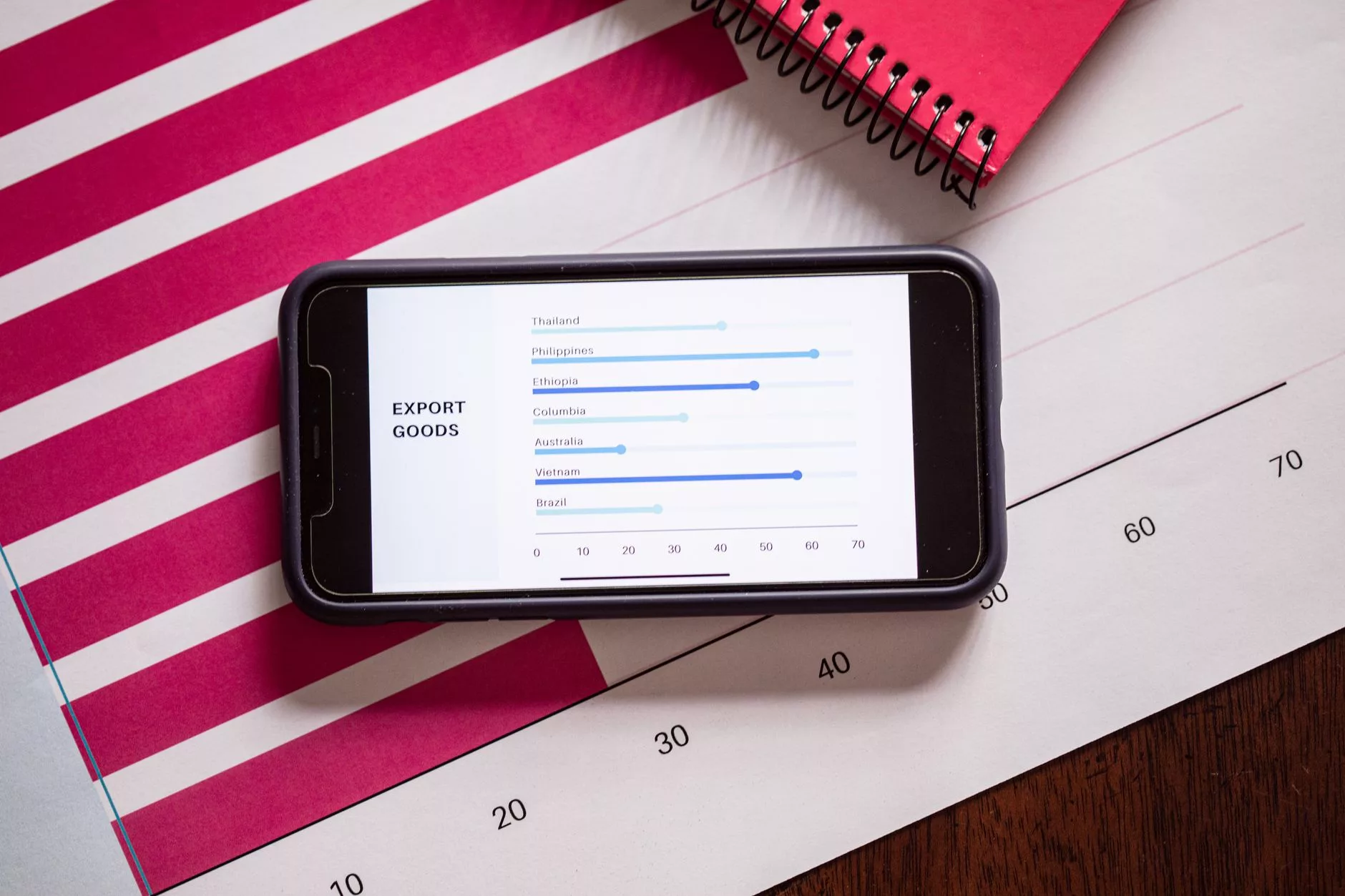
As search engine algorithms continue to prioritize user experience above all else, page speed and technical stability have evolved from minor ranking factors into absolute baseline requirements. Within the WordPress ecosystem, where plugins, themes, and dynamic database queries can easily bloat a site, achieving top-tier performance demands a rigorous, methodical approach. In 2026, web performance is no longer just about passing a simple page-speed test; it is about dominating Google’s Core Web Vitals metrics across both mobile and desktop architectures. According to Google’s own developer documentation, performance metrics such as Largest Contentful Paint (LCP), Interaction to Next Paint (INP), and Cumulative Layout Shift (CLS) directly correlate with user retention and organic visibility, making optimization an ongoing operational mandate rather than a one-time setup task.
To systematically accelerate a WordPress site, administrators must first implement advanced caching strategies. Traditional page caching stores static HTML versions of dynamic PHP pages, drastically reducing server response times. However, modern WordPress optimization requires combining page caching with object caching—utilizing systems like Redis or Memcached—to speed up database queries, especially for complex, resource-heavy themes and e-commerce stores running WooCommerce. When server response times spike, site instability often follows, which can lead to unexpected crashes or server timeouts. For site administrators dealing with recurring technical hurdles, resolving underlying server bottlenecks is crucial; insights on handling these issues can be found in the Fixing WordPress Errors & Downtime: The 2026 Admin Guide.
Asset compression and minification represent the next critical layer of the performance checklist. Bloated cascading style sheets (CSS), JavaScript files, and unoptimized HTML code introduce unnecessary render-blocking requests that delay how quickly a browser can construct the Document Object Model (DOM). By implementing Gzip or Brotli compression at the server level, along with minifying and combining script files via performance plugins, site owners can slash the payload size of their pages. Furthermore, modern WordPress sites must leverage asynchronous and deferred loading for JavaScript assets, ensuring that non-essential scripts do not paralyze the main thread while the primary content is rendering for the user.
Image optimization is another vital pillar, as visual media typically constitutes the vast majority of a webpage’s total weight. Relying on outdated JPEG or PNG formats can severely cripple your LCP scores. Modern WordPress workflows mandate the automatic conversion and serving of next-generation image formats like WebP or AVIF, which offer superior compression ratios without sacrificing visual fidelity. Additionally, native lazy loading must be enforced across all images and embedded media below the fold. According to data published in HTTP Archive’s 2025 Web Almanac, websites that successfully combined next-generation image compression with native lazy loading observed an average reduction in total page weight of nearly 42%, drastically improving perceived load times and lowering bounce rates.
To ensure your WordPress site comprehensively outperforms competitors, your technical optimization checklist should be evaluated against the following benchmark matrix:
| Core Web Vitals Metric | Target Threshold (Good) | Primary WordPress Optimization Technique |
|---|---|---|
| Largest Contentful Paint (LCP) | Under 2.5 seconds | Next-gen image formats (WebP/AVIF), CDN integration, priority preloading of hero elements |
| Interaction to Next Paint (INP) | Under 200 milliseconds | JavaScript execution minimization, script deferral, lightweight theme selection |
| Cumulative Layout Shift (CLS) | Less than 0.1 | Explicit dimension attributes on images/iframes, reserving dynamic ad space slots |
Achieving and maintaining these thresholds requires integrating a reliable Content Delivery Network (CDN) that features edge caching and built-in image optimization capabilities. CDNs distribute your static and dynamic assets across a global network of edge servers, minimizing physical distance between the user and your data. When paired with responsive design principles, HTTPS enforcement, and mobile-first indexing considerations—which industry experts and technical audits repeatedly highlighted as indispensable baseline requirements throughout 2025—your WordPress site will be exceptionally well-positioned to maintain competitive rankings in search engine results pages throughout 2026 and beyond.
Adapting to AI Answers and Generative Search Shifts
The paradigm of search engine optimization has undergone a profound transformation, steering far away from the rigid, mechanical tactics of the past. For years, digital marketers and WordPress site administrators could achieve top-tier rankings by meticulously inserting exact-match keywords into title tags, headers, and body paragraphs at predetermined frequencies. However, that era of isolated keyword stuffing has definitively closed. As search engines evolve into sophisticated answer engines powered by generative models, your WordPress SEO strategy must pivot toward comprehensive search intent, rich conversational context, structured entity relationships, and capturing direct visibility inside AI-generated overview boxes. A recent shift observed across the industry highlights that modern WordPress optimization frameworks focus less on mechanical keyword density and prioritize deep page intent, robust internal linking architectures, advanced schema markup, and rigorous, ongoing content maintenance to keep information accurate and authoritative.
To win visibility in this new ecosystem, your WordPress content must directly answer complex, multi-layered user queries rather than just targeting a single fragmented search term. When a user queries an AI-driven search interface, the engine does not merely scan for matching strings of text; it evaluates the underlying intent, the context of the user’s journey, and the semantic relationships between different concepts. For WordPress content creators, this means structuring articles to address the “why” and “how” behind a search. By anticipating follow-up questions and embedding clear, concise answers within your paragraphs, you make it significantly easier for generative engines to parse your content and synthesize it into their summary blocks. Furthermore, combating plugin sprawl has become a critical operational priority on the technical side; modern checklists advise consolidating your optimization efforts by relying on one well-configured SEO plugin rather than running multiple overlapping tools that can slow down your site and create conflicting schema signals.
Structuring your WordPress site for generative search also demands a rigorous approach to entity-based optimization and schema markup. Search engines view the web as a vast graph of interconnected entities—people, places, concepts, and things—rather than a collection of isolated keywords. By implementing advanced schema markup through your chosen WordPress SEO plugin, you explicitly tell search engines how your content connects to broader industry entities. For instance, utilizing author schema, organization markup, and FAQ blocks helps machine learning algorithms verify your expertise and trustworthiness. According to an industry analysis published by Search Engine Journal in 2024, sites that comprehensively implement structured data types experience a measurable improvement in their inclusion rates within rich results and conversational answer features.
To operationalize these shifts effectively within your WordPress dashboard, consider implementing the following tactical framework for every piece of content you publish:
- Intent-First Outlining: Before writing a single word, map out the primary search intent and at least three secondary conversational questions that a user might naturally ask next.
- Entity Mapping: Explicitly mention related industry concepts, tools, and authoritative figures in your text to build a dense, interconnected semantic web that AI models can easily comprehend.
- Concise Summary Blocks: Create short, 40-to-60-word definitive answers to core queries within your articles, formatting them cleanly so they can be easily extracted by generative search algorithms.
- Technical Optimization Audit: Clean up your WordPress backend by auditing your plugins, ensuring that your primary SEO tool handles all XML sitemaps, canonical tags, and schema generation without interference from redundant plugins.
Integrating these practices ensures that your website remains resilient against algorithm updates that favor dynamic, AI-synthesized answers over traditional blue links. For a deeper dive into protecting your organic traffic streams against these sweeping algorithm changes, you can explore specialized guides like SEO in 2026: Surviving AI Answers and Winning Traffic Now, which details advanced defensive strategies for modern publishers. Additionally, leveraging automated workflows can streamline the process of updating your content archives. As noted in research and implementation frameworks discussing the Best WordPress AI Tools to Automate Content in 2026, utilizing intelligent automation helps maintain content freshness at scale without compromising on editorial quality or factual accuracy.
Ultimately, adapting to generative search is not about abandoning traditional SEO fundamentals, but rather about refining them for a more intelligent web. By focusing heavily on user intent, maintaining a clean WordPress technical setup free of plugin bloat, and building clear semantic relationships through structured data, your site can transition from competing for single keywords to capturing high-value visibility across an array of AI-driven answer surfaces.
Ongoing Maintenance, Post-Update Audits, and Content Pruning
Search engine optimization is never a “set-and-forget” digital marketing channel, especially within the dynamic ecosystem of a WordPress website. Launching a perfectly optimized site with clean architecture, swift loading times, and pristine metadata represents merely the starting line. According to industry observations highlighted in Sitemile’s 2026 analysis, maintaining long-term search visibility requires establishing rigorous, recurring maintenance routines designed to counteract technical degradation, algorithm shifts, and content bloat. Without disciplined, continuous oversight, even the most authoritative WordPress domains gradually lose their competitive edge as broken links accumulate, plugins bloat the database, and once-relevant pages become outdated.
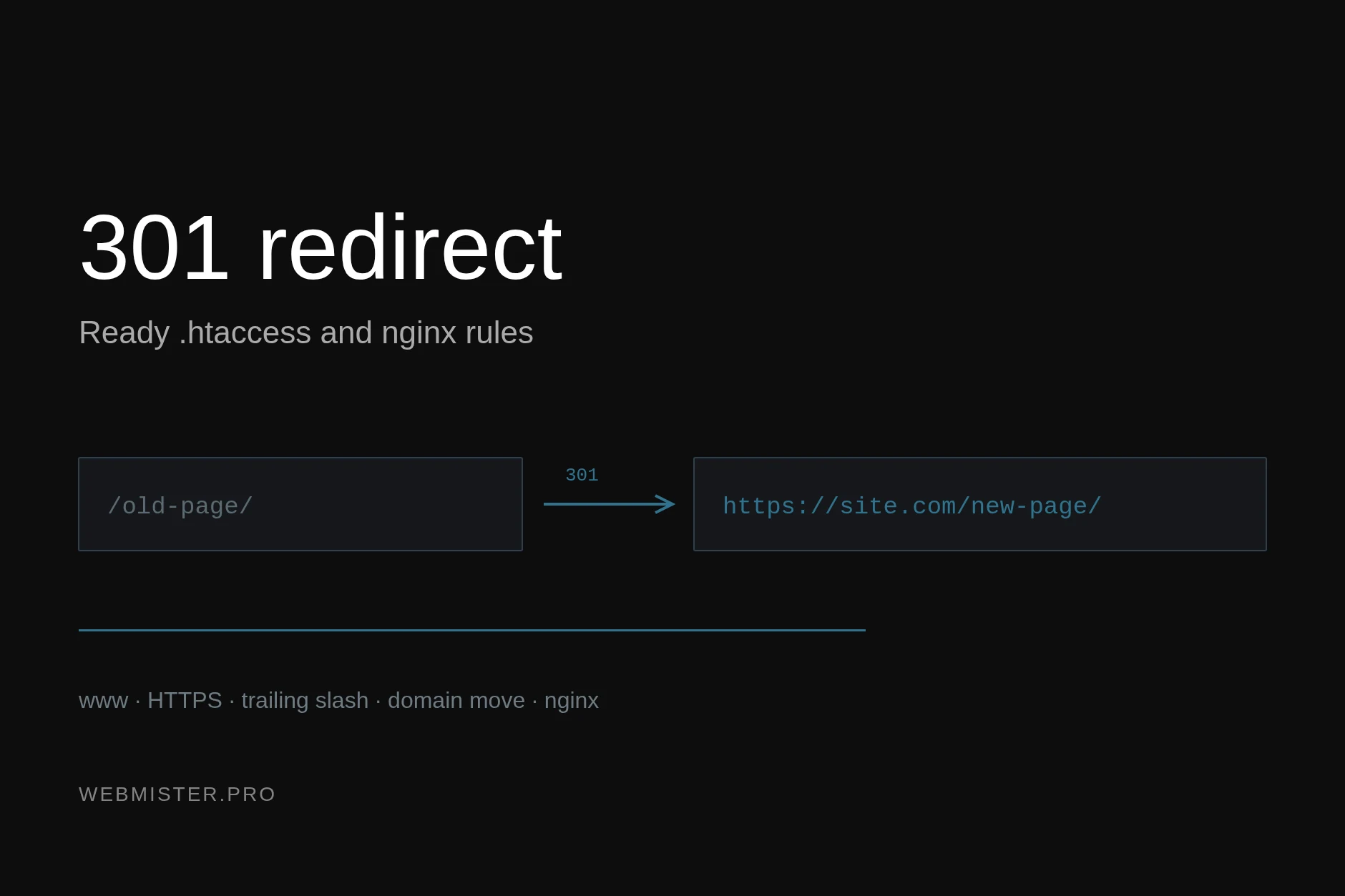
A foundational pillar of ongoing WordPress SEO health involves routine technical crawls to hunt down broken internal and external links, multi-step redirect chains, and duplicate metadata errors. As websites scale over the months and years, content editors frequently delete or move resources without setting up proper 301 redirects, creating frustrating user experiences and wasting precious crawl budget. Sitemile’s 2026 guidance emphasizes that webmasters must systematically scan their WordPress databases to rectify these architectural flaws. Furthermore, administrators should continuously cross-reference their findings with Google Search Console data to monitor indexing errors, coverage drops, and unexpected shifts in keyword rankings. By identifying and resolving these technical anomalies early, site owners prevent minor glitches from compounding into severe algorithmic penalties or visibility crashes.
Equally critical in the modern technical landscape is the implementation of post-update audits. Every time a site administrator updates core WordPress software, page builders, caching plugins, or marketing scripts, the underlying code changes in ways that can profoundly disrupt performance. A recent shift in 2025–2026 industry standards dictates that SEO maintenance checklists must explicitly feature post-update checks. According to technical site assessments published by Sitemile in 2026, webmasters must routinely re-test Core Web Vitals metrics—such as Largest Contentful Paint (LCP) and Cumulative Layout Shift (CLS)—immediately following any major plugin or theme modification. Updates frequently inject unexpected JavaScript execution delays, break layout structures on mobile viewports, or alter stylesheet delivery, all of which directly degrade user experience signals and subsequently harm search rankings.
Beyond purely technical diagnostics, sustainable WordPress SEO demands strategic content lifecycle management, which includes proactive content pruning and strategic expansion. Over time, publishing low-quality, thin, or repetitive articles dilutes topical authority and confuses search engine crawlers regarding the site’s primary focus. Sitemile advises in its 2026 SEO maintenance framework that site operators should identify pages that have historically failed to generate organic traffic or meaningful engagement, subsequently choosing to prune, redirect, or deeply consolidate them into more comprehensive pillar resources. Concurrently, top-performing content that already ranks on the second page or lower-tier positions of search results should be systematically updated with fresh data, expanded subtopics, and improved internal linking to push them into top-three positions.
To operationalize these diverse requirements efficiently, site administrators can implement a structured monthly and quarterly maintenance matrix. Managing this workflow systematically ensures that no critical SEO task is overlooked during routine administrative cycles.
| Maintenance Task | Recommended Frequency | Primary Focus & Tooling |
|---|---|---|
| Broken Link & Redirect Audit | Monthly | Scan internal/external hyperlinks; eliminate redirect chains using Screaming Frog or WordPress plugins. |
| Search Console Error Review | Bi-Weekly | Check coverage, mobile usability, and indexation anomalies directly inside Google Search Console. |
| Core Web Vitals Re-Testing | Post-Update / Monthly | Measure LCP, FID/INP, and CLS after any theme, plugin, or script modifications via PageSpeed Insights. |
| Content Pruning & Consolidation | Quarterly | Identify zero-traffic pages; 301-redirect or merge thin articles to strengthen topical authority. |
| Top-Performing Content Expansion | Quarterly | Refresh high-potential articles with updated statistics, deeper insights, and richer internal links. |
| Plugin & Database Cleanup | Monthly | Remove unused plugins, delete orphan tables, and optimize database rows to maintain fast TTFB. |
Executing these maintenance routines also extends to removing abandoned or bloated plugins that silently degrade server response times and introduce security vulnerabilities. Bloated themes and excessive database queries drag down Time to First Byte (TTFB), frustrating both human visitors and web crawlers. Before executing any major database cleanup, restructuring, or migration tasks stemming from these audits, site administrators must always maintain reliable recovery procedures, as outlined in technical resources like the WordPress Backup Strategies for Admins: 2026 Guide. By combining disciplined technical audits, meticulous post-update performance tracking, and strategic content pruning, WordPress site owners can safeguard their search rankings and drive sustainable, long-term organic growth.