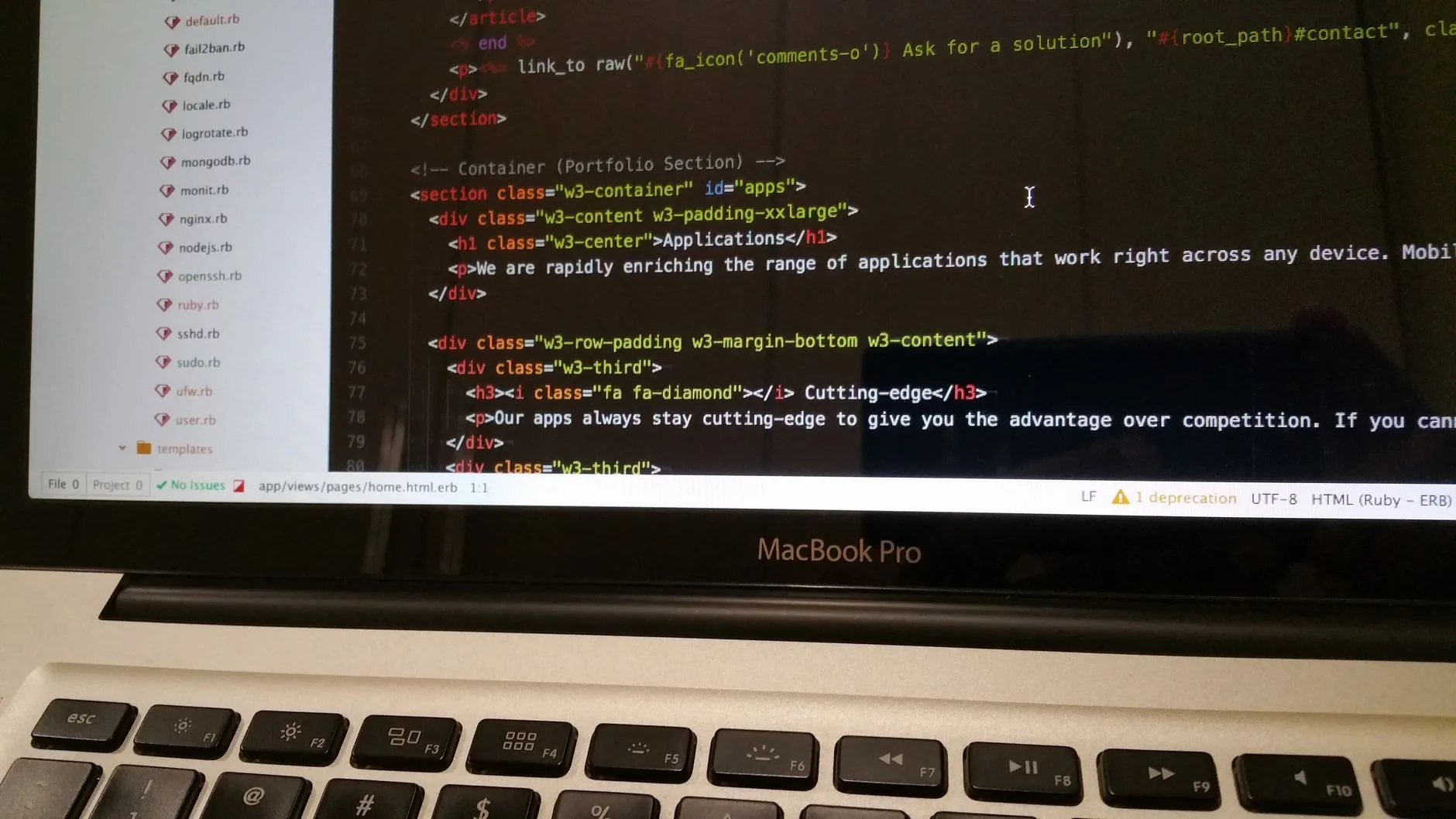
A man in a grey hoodie types code at a desk in front of a large monitor displaying programming text.

CMS Architecture Comparison: WordPress vs Alternative Platforms

Choosing the right content management system depends heavily on understanding underlying software structures and long-term project goals. This guide breaks down traditional coupled setups versus API-driven headless platforms to help you make an informed decision for your web development strategy.
Designer working on laptop customizing WordPress portfolio template

WordPress Templates Design: Choose & Style Portfolio Block Themes

Building a professional portfolio on WordPress starts with selecting the right block theme that includes dedicated portfolio templates and style variations. This guide walks you through the essential template types – project detail, archive, search, and 404 – and explains how the Site Editor lets you customize layouts globally without touching code. You'll discover how block themes differ from classic themes, why accessibility-ready features matter for visual portfolios, and how to leverage style variations for instant design changes. Whether you're a designer, developer, or creative professional, you'll learn to evaluate themes for template coverage, editing flexibility, and compliance with accessibility standards to showcase your work effectively.

developer working on a laptop downloading core package files

How to Download WordPress Securely & Verify Core Packages

Securing your website starts long before installation by ensuring your core software is completely authentic. Discover how to safely acquire release files directly from official sources and avoid dangerous third-party mirrors. Master the process of validating file integrity through checksum verification and choosing the correct archive format for your server environment to maintain a robust digital defense from day one.
A developer working on website code using dual monitors at a desk

Safe WordPress Theme Customization Without Breaking Code

Discover how to safely customize your website design without risking errors or losing updates during future maintenance cycles. Learn essential techniques utilizing child themes and proper stylesheet configurations to protect your core files effectively.

Blue lit server racks in a modern data center environment

WordPress PHP Version Compatibility Guide and Requirements

Matching the correct server language version with your core software prevents fatal errors and keeps your digital platform secure. Proper environment tuning ensures seamless execution across modern web stacks. Explore how different core editions map to recent software releases, understand end-of-life risks, and learn essential steps to maintain a stable and updated website infrastructure.
Developer working on a laptop at a bright modern desk setup

Getting Started with WordPress Studio for Local Development

Discover how WordPress Studio provides a streamlined environment for running and managing websites directly on your desktop. Learn about system requirements, installation workflows, and how to build offline projects efficiently before pushing them live.
software developer uploading website files using an FTP client interface

How to Complete a Manual WordPress Installation via FTP and Control Panel

Mastering the process of deploying your content management system by hand gives you total control over your web environment. In this guide, you will learn how to prepare your server, configure databases, and safely transfer core files using professional management tools. By following these steps, you will successfully launch a secure, high-performance website from scratch without relying on automated installers.
modern cloud data center server racks with flashing indicator lights

Best File Hosting Services for Large Developer Assets and Backups

Managing multi-terabyte assets and system backups requires robust object storage infrastructure rather than traditional directory-based file systems. Learn how modern cloud providers use multipart uploads and scalable buckets to handle large developer workloads safely.
Rows of server racks in a modern data center

Effective Image Hosting Solutions for Developers

Effective image hosting is critical for modern web projects, yet choosing the right solution involves more than just storage capacity. This article breaks down how object storage and CDN layers work together to deliver optimized images quickly and scalably. You'll learn the key components of modern hosting architectures, why public buckets simplify delivery, and how the full workflow – from upload through transformation to cached delivery – impacts performance and cost. The guide also covers integration with CI/CD pipelines and design workflows. Whether you're a developer managing asset pipelines or a designer handing off graphics, you'll gain a clear framework for evaluating and implementing image hosting solutions that scale with your project.
A laptop screen showing regional search trends and weather data maps.

Tracking Regional Weather Data with Google Trends: Weather Rome Italy Insights

Discover how search insights reveal valuable geographic patterns by analyzing relative interest instead of raw query volumes across locations and timeframes. Master the normalization mechanics behind regional data to refine your content targeting and interpret localized search behavior accurately.
Person checking privacy settings on a laptop computer screen

Google Search History & Privacy Controls: What Marketers Need to Know

Navigating modern data governance requires understanding how user search behaviors are recorded and stored across different platform surfaces. This article breaks down the mechanics behind Google activity logging, contrasting targeted search logs with broader ecosystem tracking so you can adapt your strategy effectively.

Marketer analyzing visual content on a laptop computer screen in an office

Google Photo Search by Image for Visual SEO Audits

Discover how leveraging advanced visual search technology transforms the way digital marketers analyze and protect their graphic assets online. By mastering reverse image workflows, you can track asset distribution and uncover scraping issues with precision. This guide explores practical desktop methods and core neural network mechanisms that empower professionals to execute comprehensive audits and enhance overall search visibility.
Glowing server racks inside a modern data center with network cables

How to Fix Error Establishing a Database Connection WordPress

Encountering a database connection failure can completely lock you out of your website, leaving visitors unable to access your content. Knowing how to diagnose this breakdown quickly prevents prolonged downtime and ensures your platform runs smoothly. In this guide, you will learn the primary triggers behind database communication failures and how to systematically verify your configuration settings. Follow these steps to restore your site's connectivity with confidence.
A software engineer writing code on a dual monitor workstation in a modern office

Modern HTML & CSS Project Structure: Best Practices

Discover how to build scalable and maintainable web applications by mastering modern project architecture and semantic markup. Learn essential techniques to separate structure from presentation, organize files effectively, and write clean code that improves accessibility and long-term performance.
Software engineer analyzing code on dual computer monitors in a bright modern office

Mastering JavaScript Debugging and Async Code Errors

Mastering asynchronous code and error management is essential for building stable modern web applications. This guide breaks down how async functions and promises execute under the hood. Discover practical techniques for handling unhandled rejections, utilizing try...catch blocks properly, and avoiding silent failures in your frontend and backend architectures.
Server rack with blinking lights in a modern data center

Mastering PHP Configuration: How to Increase Memory Limits

Discover the core mechanics behind PHP memory management and learn how proper server configuration prevents critical application errors. This guide covers safe limit adjustments, size suffixes, and best practices for administrators. Mastering these settings ensures your web applications handle heavy workloads smoothly while protecting system resources from unexpected exhaustion and downtime.
a laptop displaying detailed search engine optimization analytics and graphs

How to Track Keyword Rankings After Google Search Updates

Navigating ranking shifts after a major algorithm rollout can cause unnecessary panic for site owners. Discover how to properly analyze your organic performance without making knee-jerk technical changes. This guide outlines the methodical approach needed to separate normal SERP fluctuations from genuine algorithmic impacts, ensuring your SEO strategy remains steady and effective.
digital marketer analyzing campaign metrics on a modern laptop screen

Google Ads Match Types: Broad, Phrase & Exact Guide

Navigating paid search requires a deep understanding of keyword match types to control how search engines interpret user intent. This guide breaks down the mechanics of broad, phrase, and exact match options in Google Ads. Learn how to balance market reach with budget efficiency by structuring your campaigns correctly. Discover actionable strategies to optimize your targeting and maximize return on ad spend across competitive global markets.

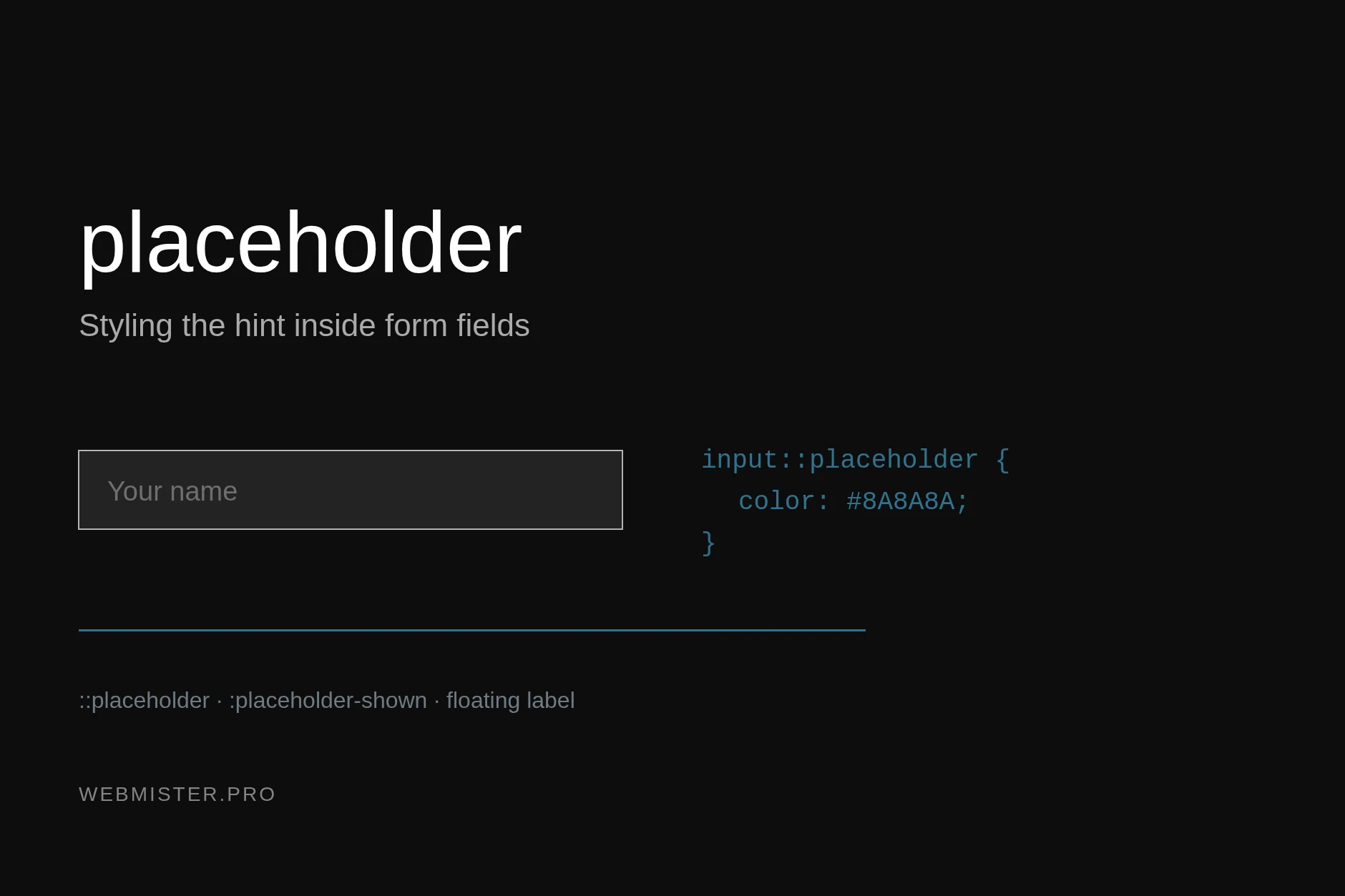
Styling the placeholder with CSS

How to style the hint in form fields: the ::placeholder selector, states through :placeholder-shown, a floating label, dark mode and accessibility.

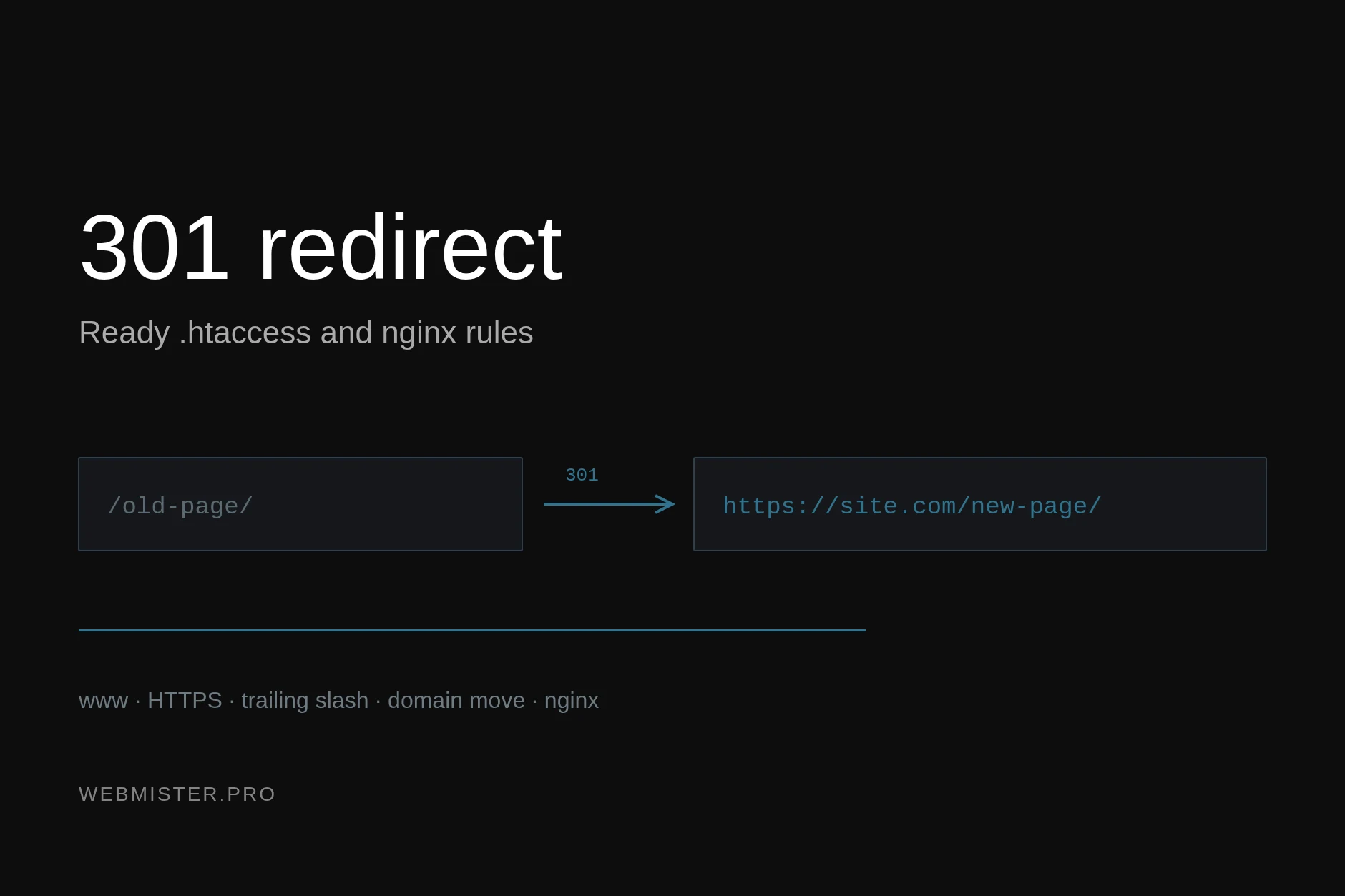
301 Redirect in .htaccess: Ready-Made Rules

Ready 301 redirect rules for .htaccess and nginx: merging mirrors, moving to HTTPS, trailing slash, domain change — and the mistakes that cost traffic.

Colour Matching: RAL, ORACAL, PANTONE

A cross-reference table of ORACAL 641 films to RAL and PANTONE colours: 60 shades with swatches, plus why an exact match between the systems never happens.

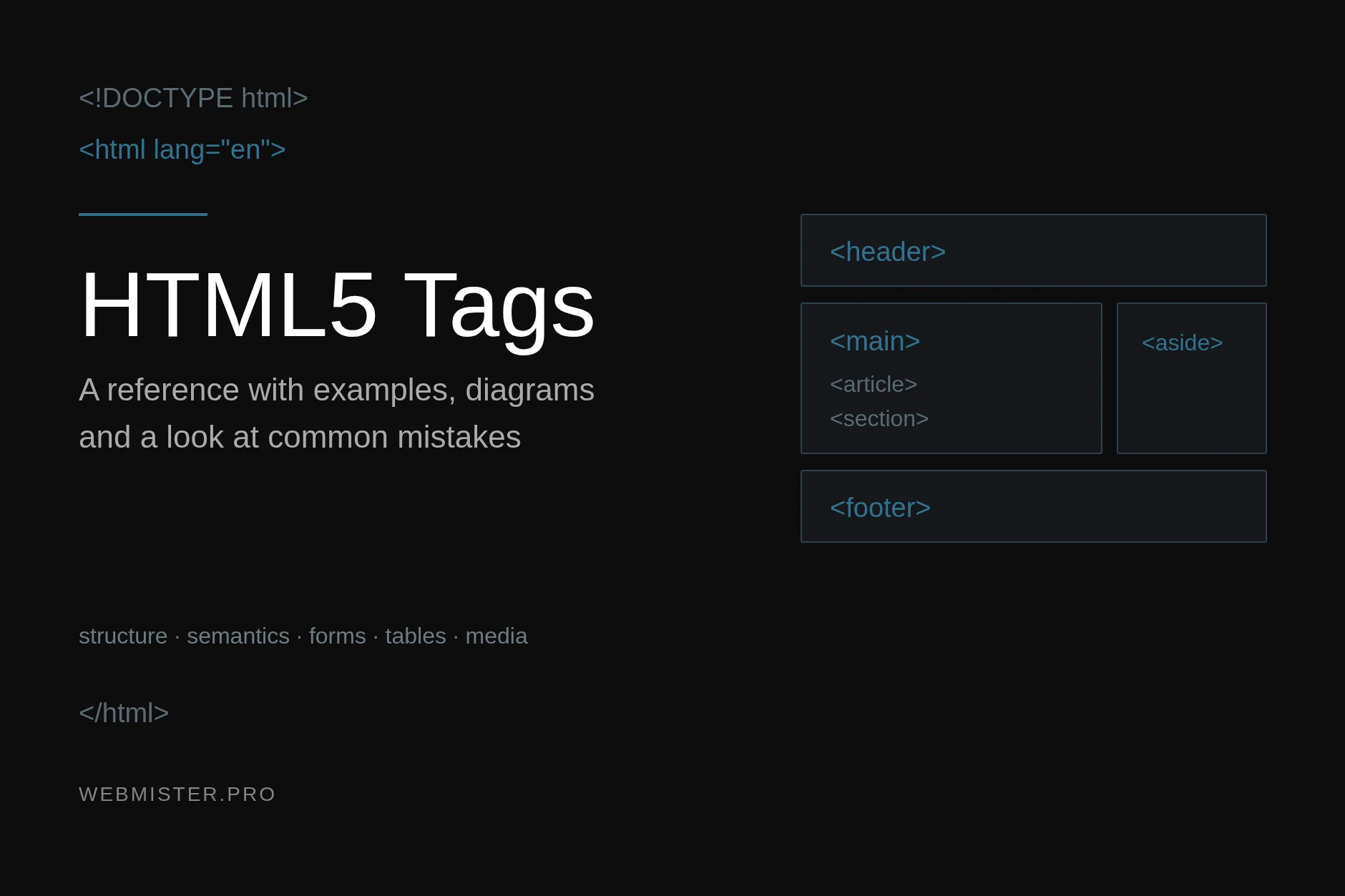
HTML5 Tags: A Reference With Examples

Every current HTML5 tag with code examples and diagrams: document structure, semantic markup, forms, tables, media and obsolete tags with their modern replacements.
digital marketer reviewing performance graphs and search data on laptop computer

How to Structure Google Ads Ad Groups for Better Relevance

Discover how proper account architecture transforms your paid search performance and prevents wasted ad spend. Learn proven strategies to group keywords by intent, align your ad copy, and maximize campaign relevance.
laptop screen displaying international digital marketing analytics and global map

Optimizing Google Ads for International Audiences

Expanding your paid advertising campaigns across international borders requires a strategic approach to geography and language settings. Misunderstanding how these distinct systems work can quickly drain your budget on irrelevant traffic. Learn how to properly configure location targeting and linguistic preferences to ensure your ads reach the right global audience with maximum precision and efficiency.
Open laptop displaying website traffic data and performance charts

How to Integrate Google Ads Conversion Tracking with WordPress Forms

Master the essential steps needed to connect Google Ads conversion tracking with your WordPress contact and lead generation forms. Discover how global site tags and event snippets work together to accurately measure form submissions, eliminate data gaps, and improve your campaign ROI.
A developer typing on a laptop with code on the screen

Safe Plugin & Theme Testing with WordPress Playground

Tired of setting up heavy staging environments or risking your live site just to try a new plugin or theme update? Discover how browser-based testing changes everything. Learn how WebAssembly powers instant, zero-risk WordPress testing directly in your browser tab, saving you time and protecting your server.
software engineer analyzing database code on dual computer monitors in modern office

How to Clean Up WordPress Database Bloat for Speed

Discover the truth about WordPress database bloat and how it actually impacts your website speed. This guide separates common myths from reality, showing you which tables matter most. Learn strategic cleanup methods that target performance bottlenecks like autoloaded options, helping you achieve faster load times and better overall system stability.
software developer writing modern web code on two computer monitors

How to Build Custom WordPress Blocks Without Plugins

Discover how to build lightweight custom blocks for your website using native Gutenberg architecture and block.json configuration files. Master modern WordPress development techniques to improve site performance and reduce reliance on heavy third-party plugins.
Developer writing code on a mechanical keyboard with glowing keys

How to Install and Configure WordPress Using WP-CLI

Streamline your server workflows by bypassing traditional web dashboards. Discover how system administrators leverage WP-CLI to deploy and configure WordPress efficiently from the terminal. Learn the essential setup steps, modern production baselines, and advanced command-line techniques to optimize your web infrastructure and scale your development process.
software developer analyzing technical data on a modern laptop screen

Can AI and ChatGPT Assist with Technical SEO Audits?

Artificial intelligence is changing how digital marketers approach complex website evaluations and preparatory workflows. By leveraging modern language models, professionals can quickly generate structured frameworks for critical site metrics. However, automation cannot replace deep human expertise when diagnosing live site errors. Learn how to successfully combine AI tools with rigorous verification to improve your overall search performance.