Core Functional Architecture for a Modern WordPress Website

When building a commercial web presence, business owners often fall into the trap of installing dozens of disparate extensions simply because they sound useful or have high ratings in the repository. However, approaching your content management system with an unvetted collection of extensions is a direct path to bloated code, database fragmentation, and unexpected downtime. A professional business WordPress website requires extensions organized by strict functional pillars rather than an endless list of trending products. By structuring your site around core operational necessities, you maintain absolute control over your digital environment while keeping resource consumption to an absolute minimum.
To build a resilient digital foundation, every commercial installation should categorize its software requirements into six essential operational silos: search engine optimization, perimeter security, automated disaster recovery, performance optimization, lead generation forms, and visitor analytics. Covering these specific areas guarantees that your site fulfills regulatory, marketing, and operational mandates without introducing redundant code. For instance, attempting to use multiple extensions for search engine optimization or caching often leads to conflicting scripts, broken Document Object Models, and degraded Core Web Vitals scores. A disciplined architecture dictates that every piece of code serving your visitors must justify its footprint on the server.
Before choosing any WordPress plugin to fulfill these functional requirements, administrators must implement a rigorous evaluation protocol. You must check its compatibility with your site’s current WordPress version and active theme, review its recent maintenance history in the official repository, evaluate the developer’s support activity, and verify whether it adds features the business will actually utilize on a daily basis. According to official community tracking published by the Make WordPress Plugins Team, thousands of submissions are reviewed annually to combat security vulnerabilities and abandoned code, highlighting why vetting is non-negotiable for enterprise stability.
To help structure your operational needs without redundancy, the following functional matrix outlines how to map your software stack directly to business requirements:
| Operational Pillar | Primary Business Objective | What to Avoid |
|---|---|---|
| Search Engine Optimization | Maximize organic visibility and indexation | Installing multiple optimization suites that rewrite the same meta tags |
| Perimeter Security | Defend against brute-force attacks and malware | Overlapping firewall systems that block legitimate API requests and slow down TTFB |
| Automated Backups | Ensure business continuity via scheduled point-in-time restores | Relying solely on local server backups without offsite cloud redundancy |
| Performance & Caching | Deliver lightning-fast asset delivery and clean database tables | Combining conflicting caching engines that break dynamic script execution |
| Lead Generation Forms | Capture customer inquiries, bookings, and data securely | Heavy multipurpose page builders that force form plugins to load globally |
| Visitor Analytics | Track conversions, user behavior, and traffic acquisition | Redundant tracking scripts that duplicate analytics data and bloat the header |
Maintaining a minimal plugin set is equally as important as the initial selection process. Business owners must routinely audit their environment and remove inactive extensions that are no longer needed for daily operations. Unnecessary plugins increase maintenance overhead, complicate troubleshooting when errors occur, and can introduce severe compatibility, security, or performance risks if left unpatched over extended periods. Even when deactivated, unused files sitting in your server directory represent an open vector for malicious exploitation if they contain unpatched vulnerabilities.
Understanding how these elements fit into the broader ecosystem allows organizations to leverage their content management system efficiently. As highlighted in guides exploring What is WordPress Used For in 2026? Beginner Guide, modern implementations rely heavily on a streamlined architectural approach to support everything from simple brochure sites to complex enterprise portals. By prioritizing structural coherence over feature accumulation, your business ensures long-term scalability, predictable maintenance costs, and a seamless experience for every visitor interacting with your brand online.
SEO Optimization Essentials for Organic Search Success
Achieving a sustainable flow of organic traffic requires much more than simply publishing great content on a WordPress business website. Search engines like Google crawl billions of web pages daily, relying heavily on structured metadata, clear technical signals, and efficient sitemaps to understand, evaluate, and rank your digital assets. While a robust content strategy forms the foundation of online visibility, an advanced WordPress SEO plugin acts as the critical bridge between your website’s backend architecture and search engine crawlers. Implementing these technical safeguards correctly is a core pillar detailed in our guide on WordPress SEO Best Practices for Higher Organic Rankings. Without proper configuration, even the most professionally written copy can remain completely invisible to prospective customers searching for your products and services.
At the most fundamental level, a dedicated SEO plugin transforms how you manage core on-page elements such as custom page titles, compelling meta descriptions, and clean canonical URLs. Page titles and meta descriptions serve as your digital storefront in search engine results pages (SERPs), directly influencing click-through rates. According to a 2023 study by Backlinko analyzing millions of search results, crafting compelling title tags that closely match search intent significantly correlates with higher organic positioning. An SEO plugin provides intuitive interface boxes directly beneath your WordPress block editor, allowing marketing teams to customize these snippets without touching a single line of PHP or HTML code. Furthermore, defining canonical URLs prevents duplicate content penalties by instructing search engine crawlers on which version of a page is the primary, authoritative source—a vital feature for e-commerce websites with multiple product filter variations or syndicated blog posts.
Beyond individual page customization, managing your site’s broader architecture through XML sitemaps is non-negotiable for modern businesses. An XML sitemap acts as a structured blueprint of your website, listing every important URL alongside metadata indicating when it was last updated and its relative priority. Premium and free WordPress SEO plugins automatically generate and continuously update these XML sitemaps whenever you publish a new blog post, create a service page, or delete outdated content. However, simply having a sitemap plugin activated does not automatically guarantee top-tier rankings or seamless indexing. Business owners and site administrators must actively verify that their XML sitemap is fully accessible to search engines and that critical landing pages are actually marked as indexable. A common technical oversight occurs when developers accidentally leave the “Discourage search engines from indexing this site” checkbox ticked in the default WordPress reading settings, or when conflicting “noindex” robot tags are inadvertently applied to high-conversion sales funnels.
To ensure your technical setup remains robust, routine audits of your index status and sitemap health are strongly recommended. You can monitor these metrics using major webmaster tools, alongside emerging frameworks discussed in our analysis of AI Search Optimization: How Generative Engines Are Changing SEO in 2026. To help maintain structural integrity, the following checklist outlines the primary technical checks every business website should perform:
- Sitemap Accessibility: Confirm that your XML sitemap URL (commonly `yourdomain.com/sitemap_index.xml`) returns a standard HTTP 200 status code and is successfully submitted to Google Search Console.
- Indexation Verification: Regularly use the URL Inspection tool in search console dashboards to verify that newly launched product and service pages are recognized as indexable by crawlers.
- Canonical Consistency: Ensure that internal links point directly to canonical URLs rather than redirected or parameterized variants, reducing unnecessary crawl budget waste.
- Metadata Uniqueness: Check that every high-priority commercial page features a distinct title tag and meta description tailored to specific buyer personas and long-tail keywords.
Ultimately, while an exceptional SEO plugin automates repetitive technical tasks and minimizes human error, it is merely a tool rather than a guaranteed shortcut to the number-one position. Search algorithms evaluate hundreds of distinct ranking signals, ranging from user experience and mobile responsiveness to authoritative backlink profiles and content depth. By combining the automated efficiency of an advanced WordPress SEO plugin with rigorous manual checks of your sitemaps and indexable pages, you create a technically sound digital foundation. This meticulous attention to structural detail ensures that search engines can easily crawl, interpret, and prominently display your business website to the right audiences at the exact moment they are looking for your solutions.
Security Frameworks, Compliance, and Updates in 2026

As enterprise digital infrastructure scales, securing a business website requires far more than installing a single plugin and hoping for the best. In the current threat landscape, robust security frameworks demand a multi-layered defense strategy that blends application-layer plugins with server-level architecture, rigorous update workflows, and compliance adherence. A reliable security plugin acts as a vital command center, providing active defenses such as login-rate limiting to thwart distributed brute-force attacks, deep malware scanning to catch unauthorized code injections, and real-time file-change monitoring to alert administrators of unexpected core or asset modifications. However, no application-level shield can function effectively in isolation, and treating a security plugin as a standalone firewall is a critical architectural error for any growing business website.
To build a resilient posture, web administrators must understand that security plugins complement, rather than replace, secure hosting environments and modern WordPress core improvements. For example, WordPress 6.8, released in 2025, introduced significant password hashing improvements using advanced bcrypt algorithms to make credential cracking exponentially harder. Yet, businesses should still utilize reputable security plugins and maintain disciplined maintenance schedules, rather than treating core improvements as a complete, self-sustaining security solution. Security plugins augment these foundational platform updates by actively monitoring traffic anomalies, blocking malicious IP addresses, and enforcing two-factor authentication (2FA) across all administrative user accounts before threats ever reach the database layer.
Furthermore, supply chain security within the WordPress ecosystem has evolved to provide additional automated guardrails. As highlighted in the official documentation regarding The Plugin Check Plugin now creates automatic security reports update, the WordPress Plugin Check process expanded significantly to screen updates to already-approved plugins as well as new submissions for strict security, compatibility, and compliance standards. While this rigorous system creates an extra review layer to catch vulnerabilities early, it remains an automated screening mechanism rather than a 100% guarantee that every third-party extension is entirely safe for every unique site architecture. Business owners must pair these ecosystem improvements with proactive internal update workflows, ensuring that critical patches are deployed swiftly to prevent exploitation of zero-day vulnerabilities.
Maintaining a compliant and secure digital storefront also means keeping a close eye on emergency core releases and urgent security patches. When critical vulnerabilities are discovered in the wild, core maintainers frequently push out rapid updates, such as those documented in historical emergency advisories like WordPress 7.1.2 Security Release: Critical Update Required, which demand immediate action from system administrators. Relying solely on automated background updates can occasionally cause theme or plugin conflicts on complex business sites, making a structured staging-to-production workflow mandatory. Organizations must test updates in a mirrored staging environment before pushing them live, ensuring that security patches do not inadvertently break revenue-generating checkout flows or custom API integrations.
To streamline this complex balance of application tools, compliance checks, and server configurations, digital teams often implement a standardized security checklist. Below is an overview of the core layers required to maintain an enterprise-grade WordPress defense strategy:
| Security Layer | Primary Responsibility | Common Tools & Implementations |
|---|---|---|
| Server & Hosting | Infrastructure isolation, DDoS mitigation, and server-level firewalls | Managed WordPress hosting, Web Application Firewalls (WAF), secure SSH access |
| Application Plugins | Login protection, malware scanning, and file integrity monitoring | Login-rate limiting, automated integrity checksum comparisons, malicious signature detection |
| Core & Ecosystem | Platform-level hardening, cryptographic improvements, and updates | Bcrypt password hashing implementations, automated Plugin Check compliance reports |
| Operational Workflows | Vulnerability testing, patch deployment, and access control management | Staging environments, Role-Based Access Control (RBAC), enforced 2FA policies |
Ultimately, integrating these diverse elements into a cohesive framework requires continuous vigilance and adherence to broader industry guidelines, as detailed in comprehensive resource guides like WordPress Security Best Practices to Stop Cyber Threats in 2026. By combining the active threat-detection capabilities of top-tier security plugins with strict adherence to timely core updates, server-side hardening, and strict compliance monitoring, businesses can establish a resilient, future-proof digital presence that safeguards sensitive customer data and protects brand reputation against increasingly sophisticated cyber attacks.
Performance Tuning and Speed Optimization Standards
In the modern digital landscape, the speed and responsiveness of a commercial web presence directly dictate conversion rates, search engine visibility, and user trust. When operating a WordPress-powered business website, out-of-the-box configurations rarely satisfy visitor expectations or meet rigorous technical benchmarks. Performance tuning and speed optimization standards require a deliberate, multi-layered approach incorporating caching engines, image compression workflows, and precise asset delivery. Implementing these adjustments correctly eliminates redundant server processing and shrinks asset payloads, ensuring your digital storefront loads instantly across all devices and network conditions.
To systematically streamline the delivery of a WordPress website, site administrators must deploy a robust caching or performance plugin. A dedicated caching solution eliminates repetitive, resource-heavy page-generation work by storing static HTML versions of dynamic PHP pages, serving them instantly to returning or concurrent visitors without querying the database for every single request. Alongside caching, image-optimization tools are indispensable for reducing heavy media payloads. High-resolution photographs, promotional banners, and product galleries can easily bloat a webpage into several megabytes if left uncompressed. Modern optimization extensions automatically convert traditional image formats into next-generation alternatives like WebP or AVIF, strip unnecessary metadata, and apply lossless or smart lossy compression. This drastically lightens the overall page weight, allowing the browser to render critical above-the-fold content much faster.
However, striving for maximum speed introduces technical risks that require careful navigation. Aggressive CSS or JavaScript optimization settings—such as code minification, combining scripts, or deferring execution—can frequently break complex interactive elements, dynamic contact forms, navigation menus, or custom WordPress theme styling. Because automated optimization engines cannot always predict how specific plugins will interact with localized scripts, developers must strictly test every configuration change on a staging environment or monitor their live WordPress website immediately after deployment. Catching layout shifts or unresponsive buttons early prevents user frustration and preserves brand credibility.
Evaluating the success of these performance interventions requires a clear understanding of Google’s diagnostic metrics. According to Google’s own Web Vitals documentation updated for current evaluation standards, the search engine utilizes three specific Core Web Vitals to quantify real-world user experience: Largest Contentful Paint (LCP), Interaction to Next Paint (INP), and Cumulative Layout Shift (CLS). Google’s designated “good” thresholds, assessed at the 75th percentile of all mobile and desktop page loads, dictate that LCP must occur at or below 2.5 seconds, INP must measure at or below 200 milliseconds, and CLS must remain at or below 0.1. Meeting these benchmarks signals to search crawlers that a business website delivers a stable, smooth, and highly responsive interface.
| Core Web Vital Metric | What It Measures | Google’s Good Threshold |
|---|---|---|
| LCP (Largest Contentful Paint) | Loading performance of the main visual element | At or below 2.5 seconds |
| INP (Interaction to Next Paint) | Overall page responsiveness to user inputs | At or below 200 milliseconds |
| CLS (Cumulative Layout Shift) | Visual stability and unexpected layout movement | At or below 0.1 |
A notable evolution in web performance standards occurred when Google officially replaced First Input Delay (FID) with Interaction to Next Paint (INP) as a core ranking signal in March 2024, as documented in Google’s official Search Central announcements. Unlike FID, which only measured the delay of the very first user interaction on a page, INP evaluates the responsiveness of all interactions throughout the entire lifecycle of a user’s visit. This includes clicking buttons, opening accordions, typing into form fields, and selecting items from drop-down menus. Consequently, performance monitoring on WordPress business sites must now assess responsiveness comprehensively across every potential interaction rather than simply auditing initial page load delays.
To achieve and maintain these strict optimization standards without compromising user experience, business owners should establish a disciplined maintenance routine:
- Audit Caching Configurations: Regularly clear and rebuild cache rules whenever plugins or theme files are updated to prevent serving outdated layouts.
- Prioritize Media Efficiency: Compress and properly size visual assets before uploading them to the media library, or utilize automated optimization utilities as outlined in technical guides on optimizing images and media assets for faster page loads.
- Distribute Global Assets: Implement a global content delivery network to serve static files from edge locations closer to your international visitors, following architectural frameworks detailed in resources covering how to set up a CDN for web hosting: a complete guide.
- Conduct Continuous Field Monitoring: Utilize real-user monitoring tools alongside synthetic lab tests to track actual user experiences against Google’s 75th percentile thresholds.
Ultimately, balancing aggressive speed optimization with functional reliability transforms a standard WordPress installation into a high-performance business asset. By respecting technical thresholds and thoroughly auditing script behavior, organizations protect their revenue streams and secure a competitive advantage in search engine rankings.
Data Protection, Forms, and User Interaction Plugins
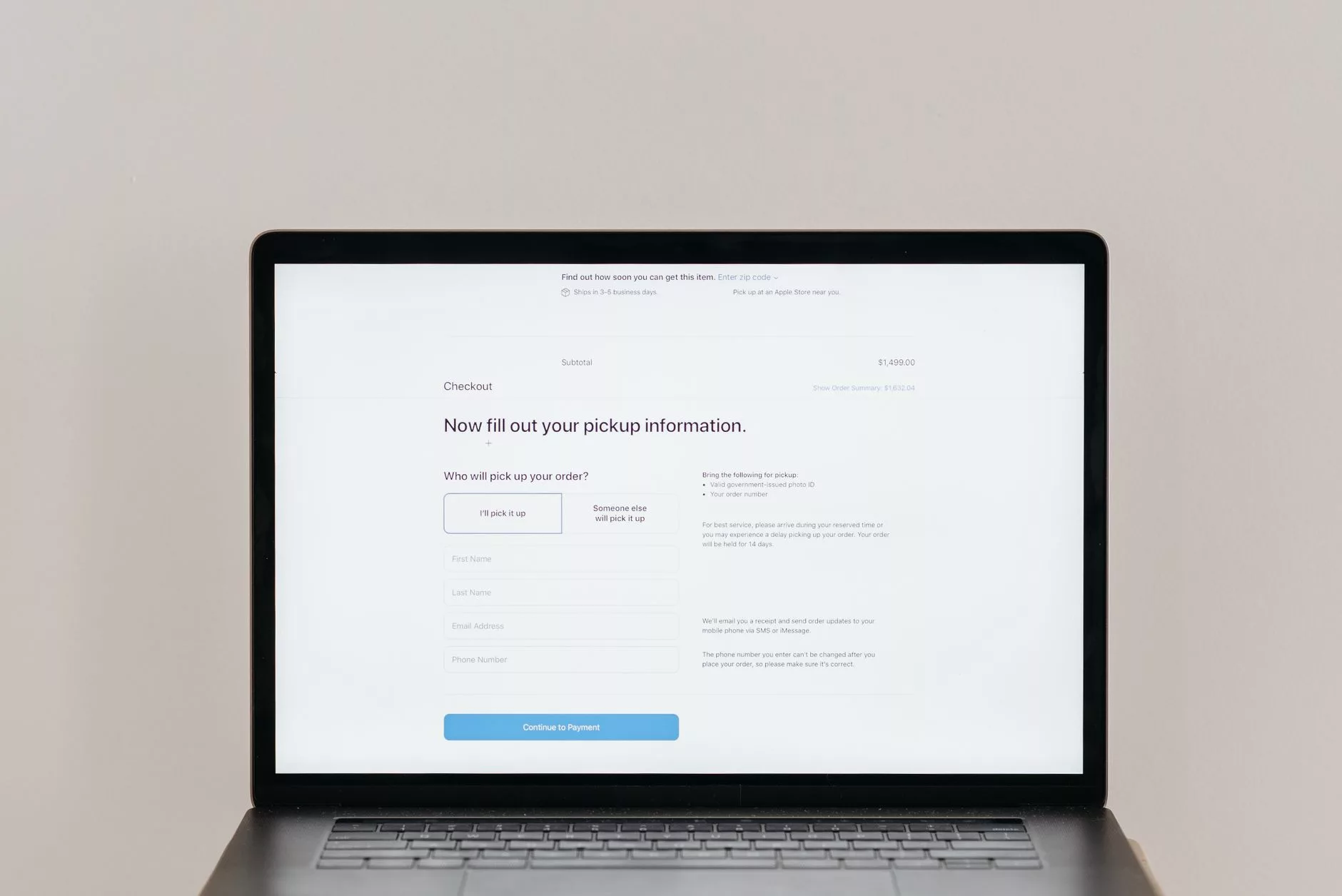
Building a business website on WordPress means creating environments where visitors can seamlessly interact with your brand, submit inquiries, and sign up for newsletters. However, interactivity introduces complex responsibilities regarding user experience, universal design, and legal compliance. To transform passive site visitors into qualified leads without alienating users or violating privacy legislation, your tech stack requires carefully selected form builders and analytical tools. Balancing robust lead generation features with strict accessibility and data protection standards is non-negotiable for modern digital enterprises.
Lead generation fundamentally relies on interactive forms, yet many standard form plugins inadvertently create barriers for individuals using assistive technologies. According to the Plugin Accessibility – Make WordPress resource guidelines, adherence to strict accessibility standards is vital for inclusive web architecture. When evaluating WordPress form plugins—such as WPForms, Gravity Forms, or Formidable Forms—administrators must ensure the software generates compliant HTML markup. Specifically, every single form input requires an explicitly associated label rather than relying solely on placeholder text that disappears upon typing. Furthermore, complex groupings of checkboxes or radio buttons must be structured properly with HTML `